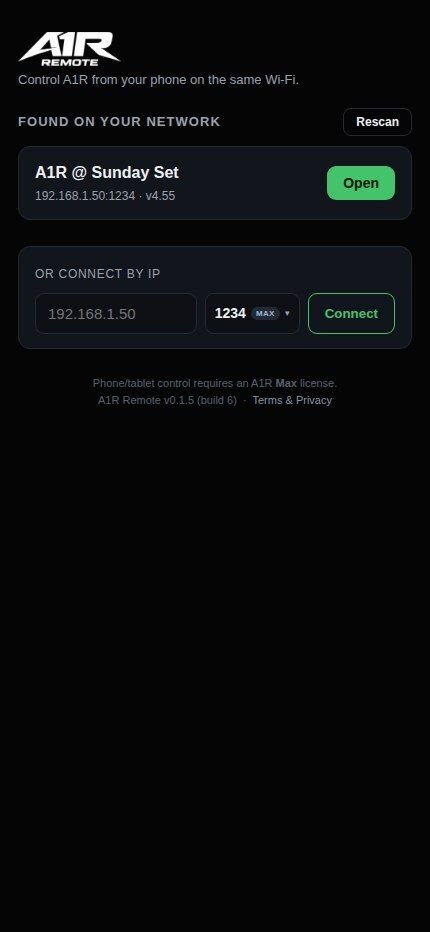
Aplikasi Android khusus untuk mengendalikan A1R — scan QR atau sambung lewat IP, lalu lompat section, loop, dan atur mix langsung dari HP atau tablet Android. Lebih mulus dari kontrol lewat browser.
Khusus Android. Belum tersedia di Play Store — install langsung dari file APK (aktifkan "Install dari sumber tidak dikenal" saat diminta).
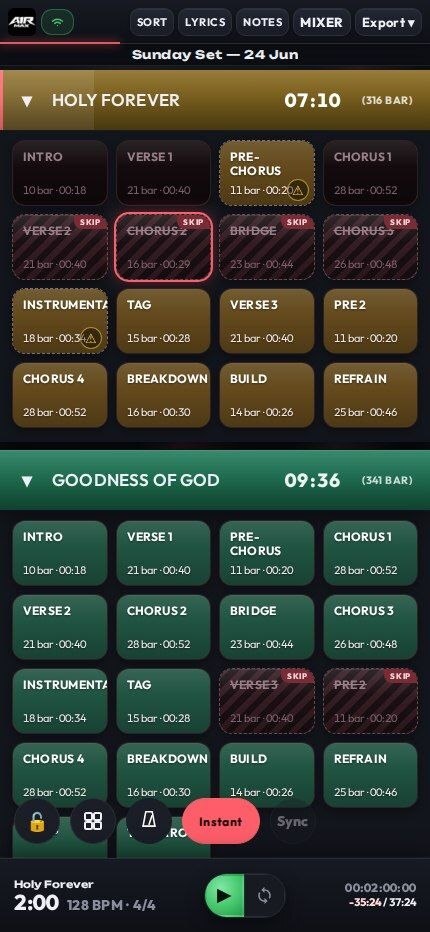
A1R menyajikan antarmukanya lewat Wi-Fi, jadi HP, tablet, atau laptop apa pun jadi remote untukmu.
Semua screenshot di bawah ini UI A1R asli — buka di browser HP, tablet, atau laptop. Tanpa install, tanpa akun.
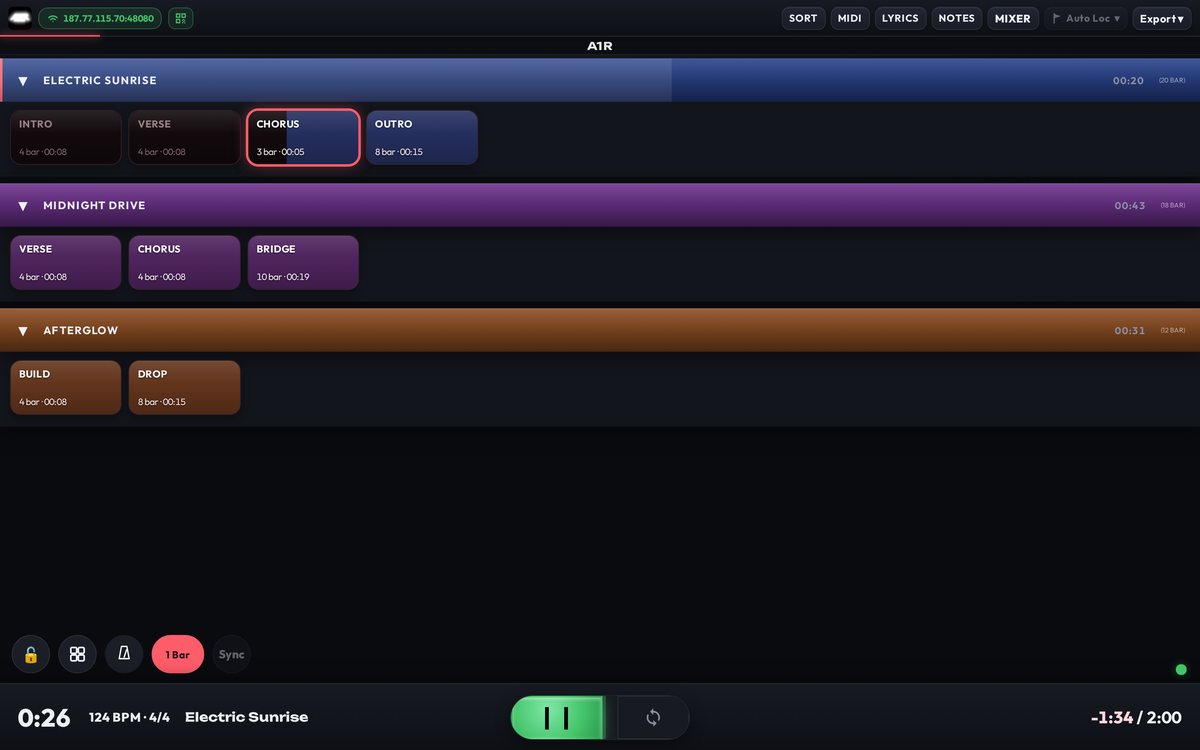
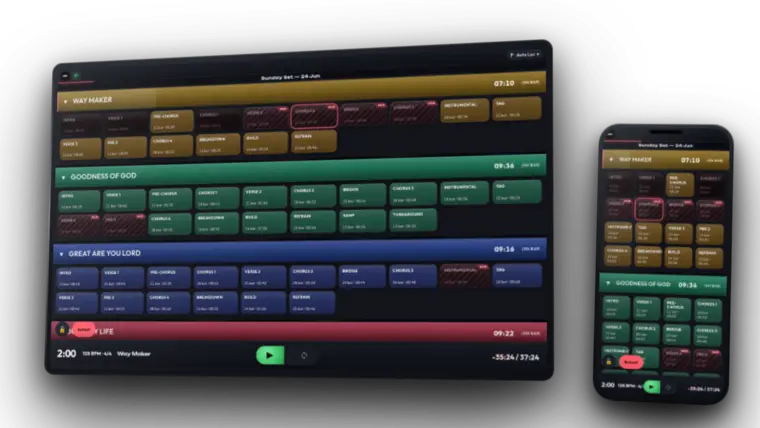
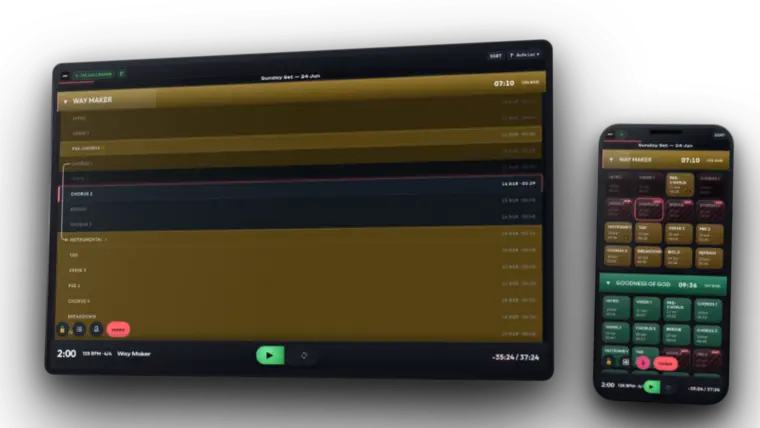
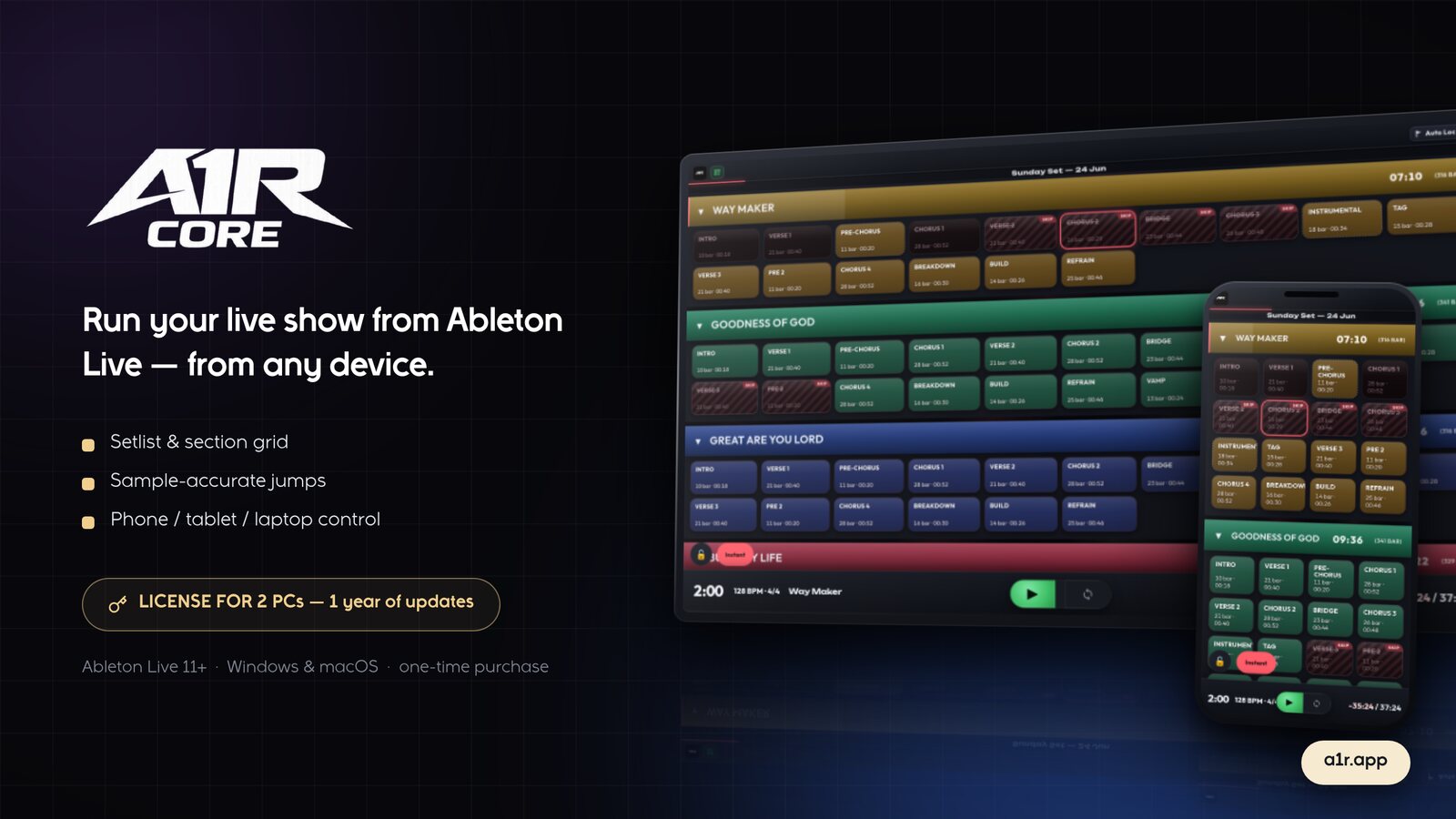
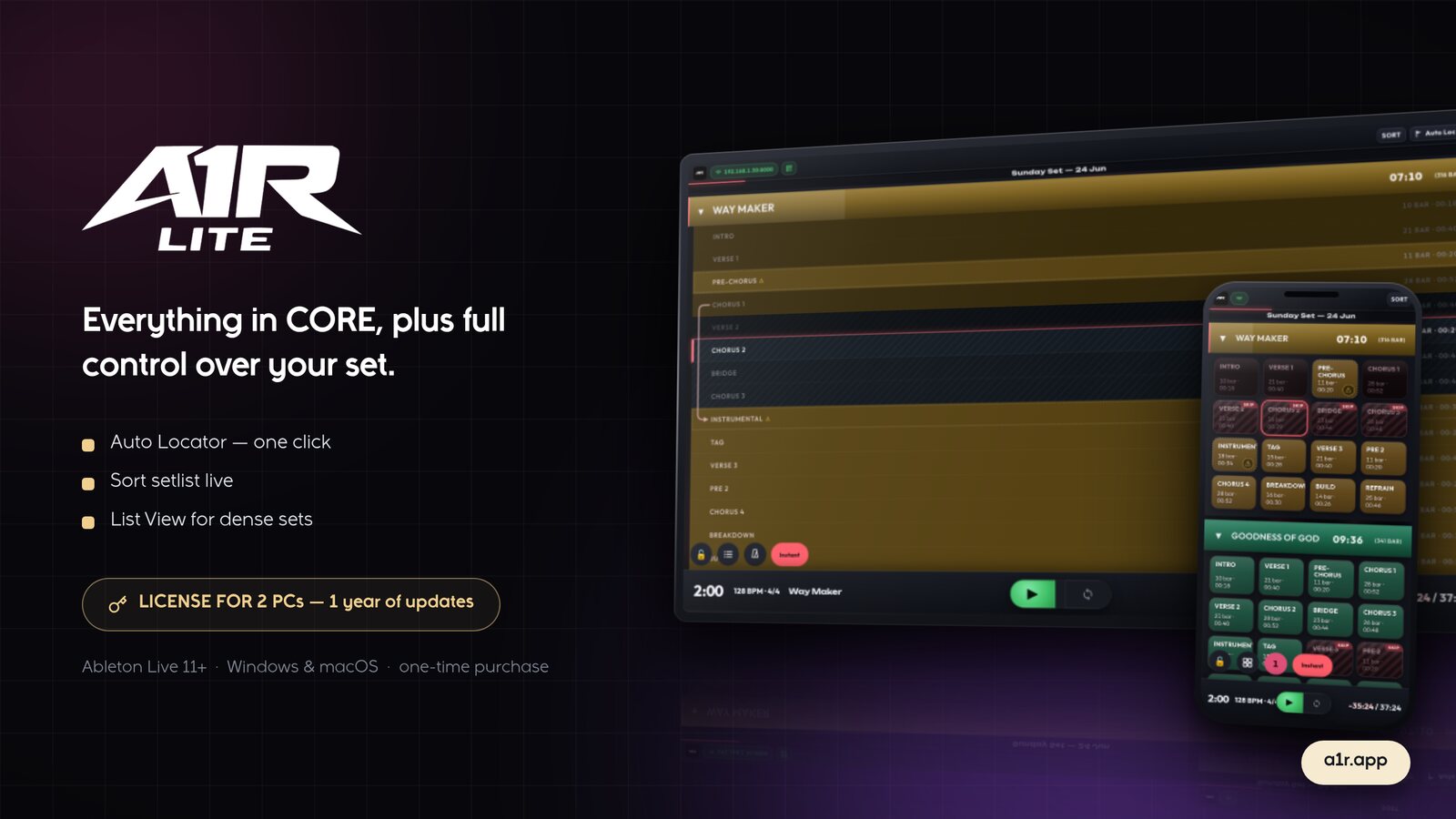
Seluruh set-mu jadi grid berwarna. Ketuk untuk lompat — instan, di bar berikutnya, atau di akhir section.
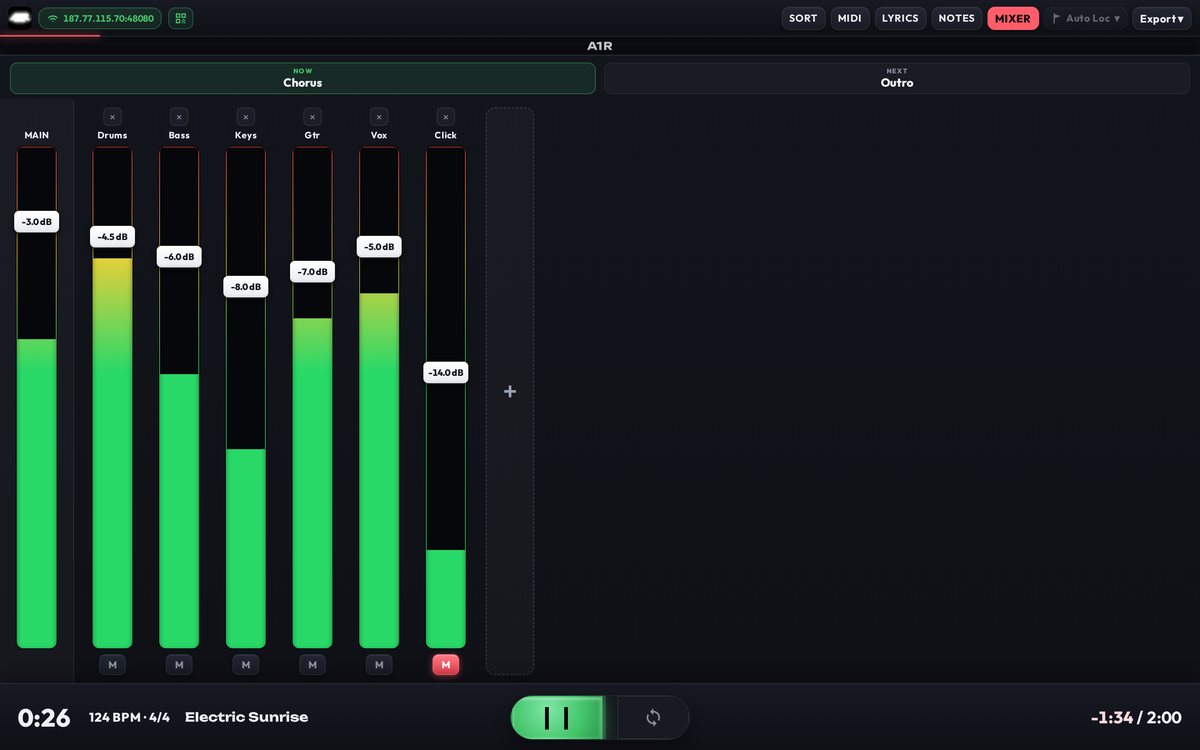
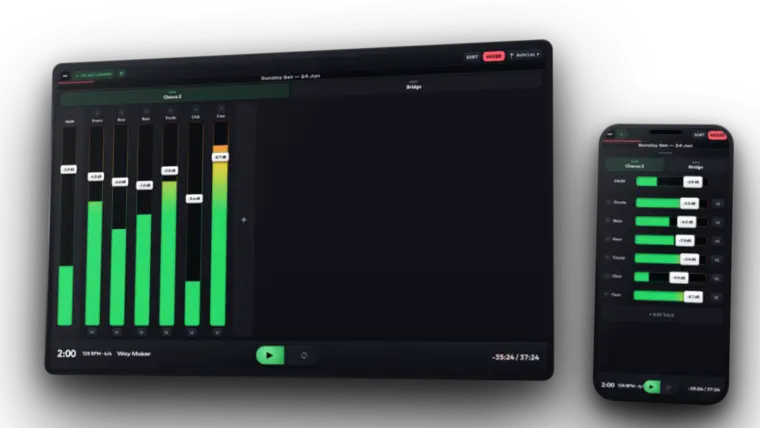
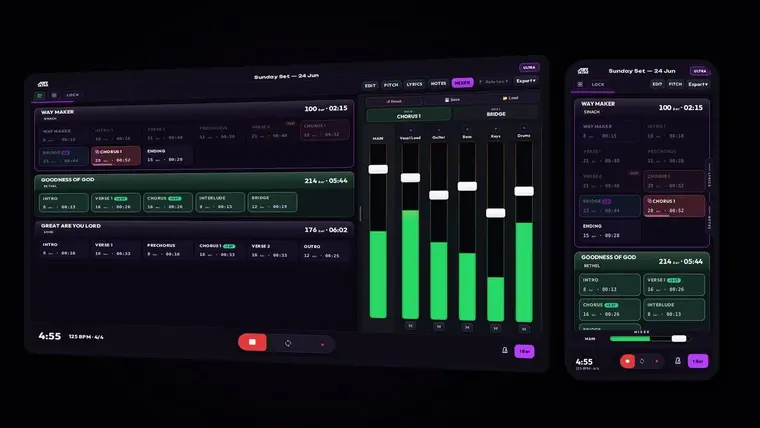
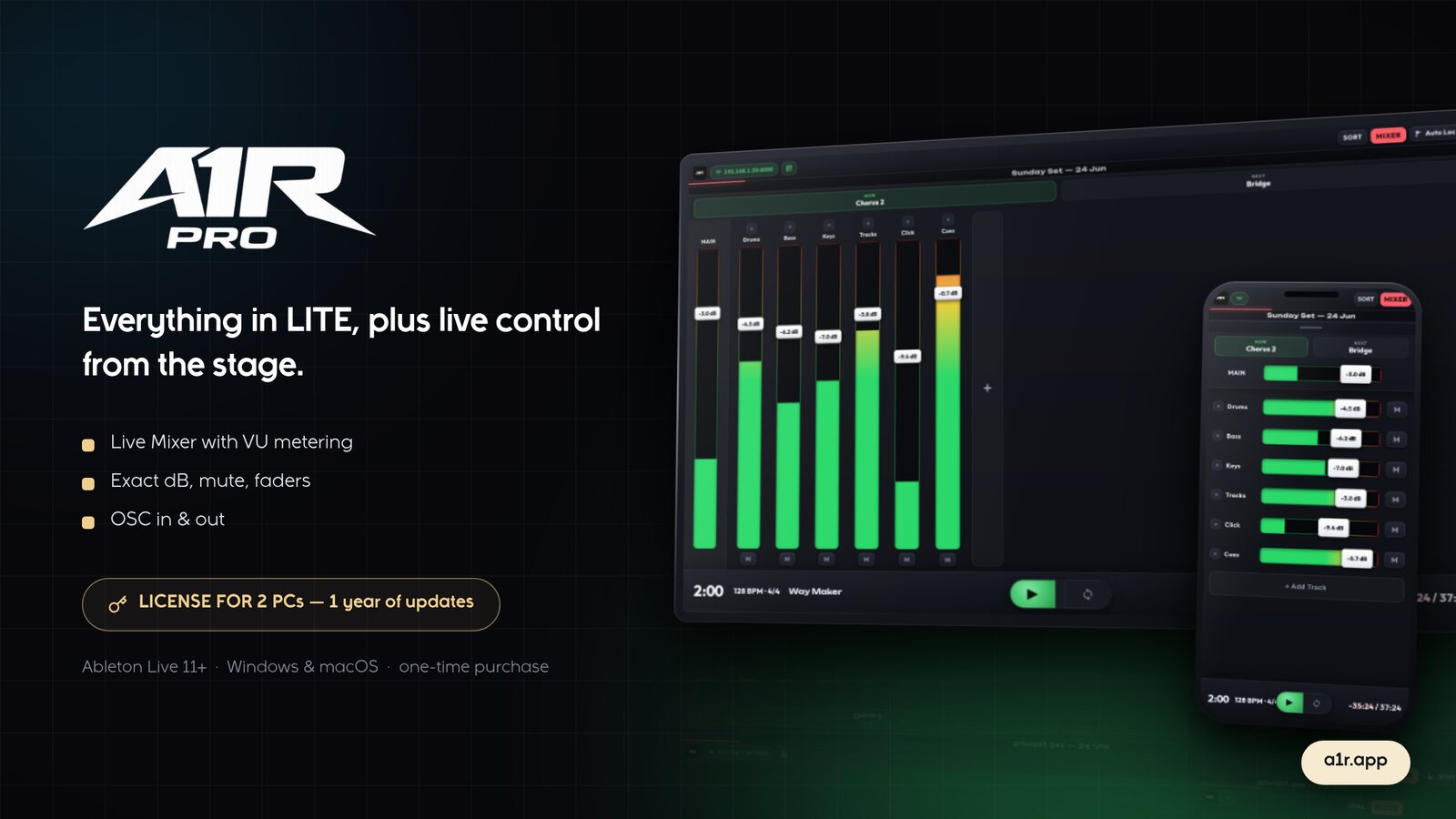
Fader, mute, dan VU meter tiap track, dikontrol dari perangkat di tanganmu.
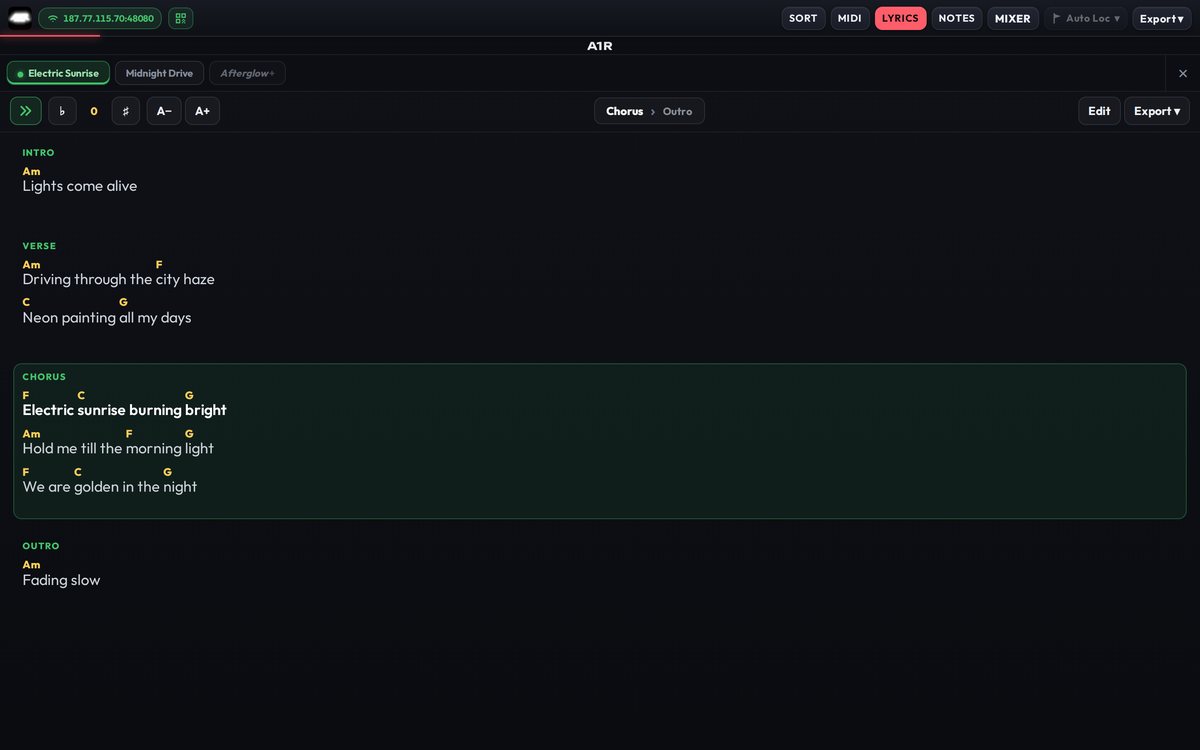
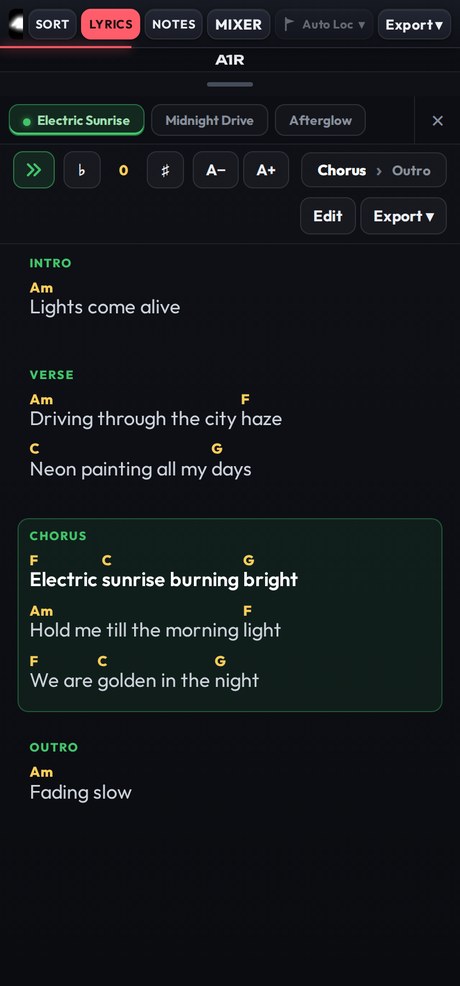
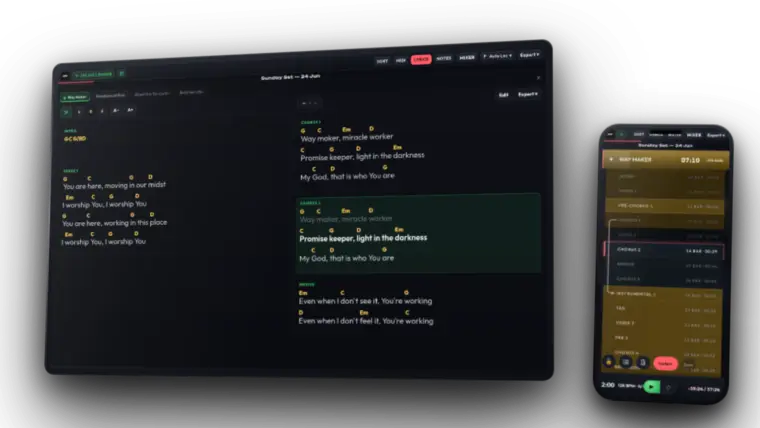
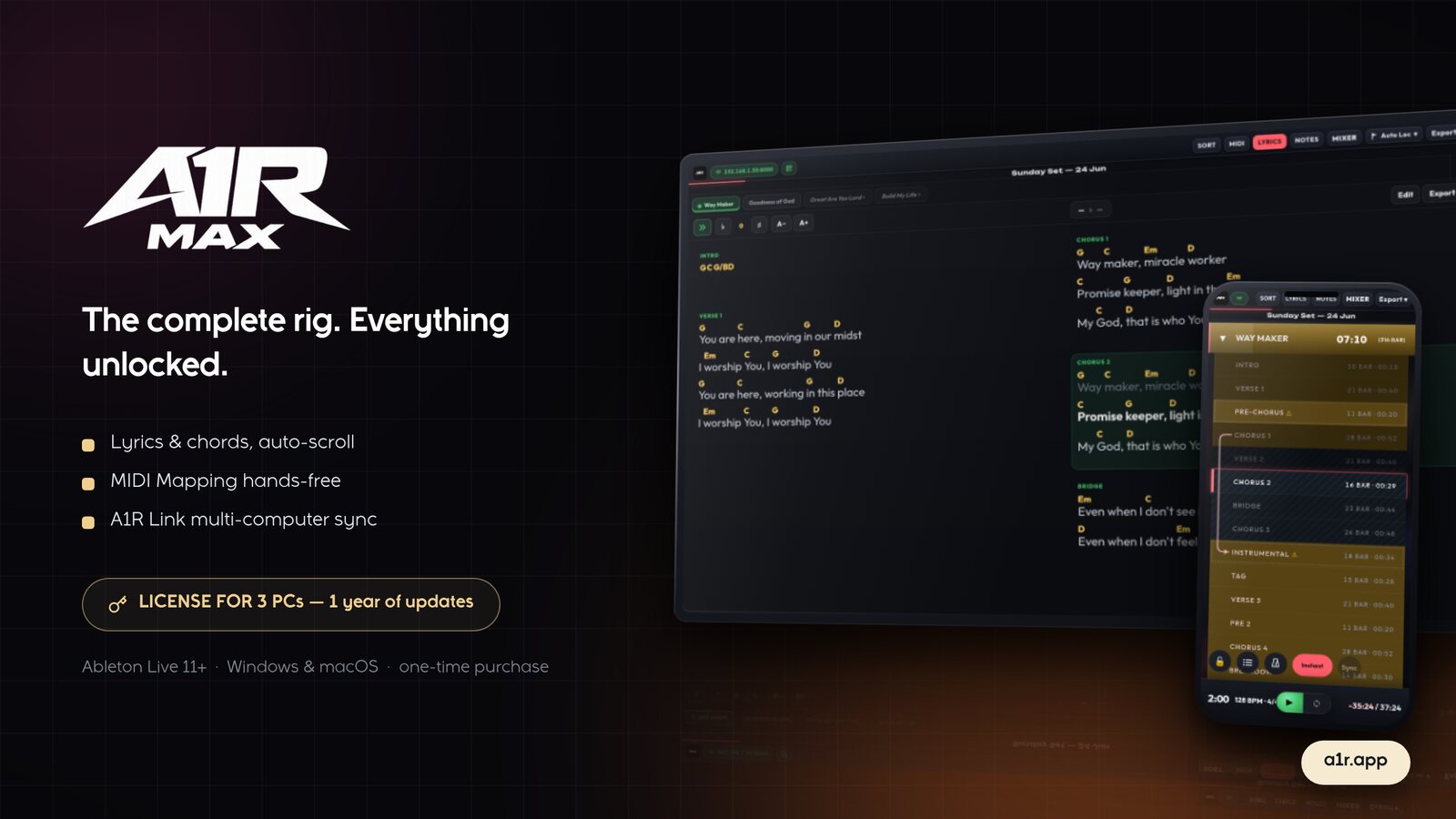
Lirik time-aligned dengan chord inline, menyorot section dan baris yang sedang jalan. Transpose seketika.
A1R keeps you on top of every section, loop and cue — sample-accurate with Ableton Live, reliable offline, every show.
Music director, band, atau solois — A1R MAX bikin setiap cue, section, dan lagu tetap di ujung jari, di perangkat yang sudah ada di tanganmu.
Ableton Live 11 or newer on Windows or macOS. A1R installs as a Control Surface plus a small standalone server. You control it from any browser — on the same PC, or a phone/tablet on the same Wi-Fi.
No. A1R is a one-time payment. You own your tier forever, including offline use.
Only once, to activate your license (Core needs no key at all). After that A1R runs completely offline — safe for gigs with no Wi-Fi.
Yes. Each paid tier includes multiple PC activations, and you can deactivate a device to free a slot when you switch machines. Need more PCs or longer update access? Buy an add-on any time from your account page.
Connect your phone to the same Wi-Fi as your Ableton PC and open the A1R address in any browser. No app to install.
Checkout is secure via Midtrans. After payment you get your download (Core) or a license key by email — enter it once in A1R to activate.
Step-by-step setup, activation, and every feature — with screenshots.
Tell us — we read every message.
Tell us about your setup — we'll help you pick the right tier and get you running in minutes.

Masukkan email kamu — link download / license key dikirim ke email setelah pembayaran berhasil.